

YUSHI DM30 Series Densitometer: Accurate X-ray Detection Auxiliary Tools
Product Overview
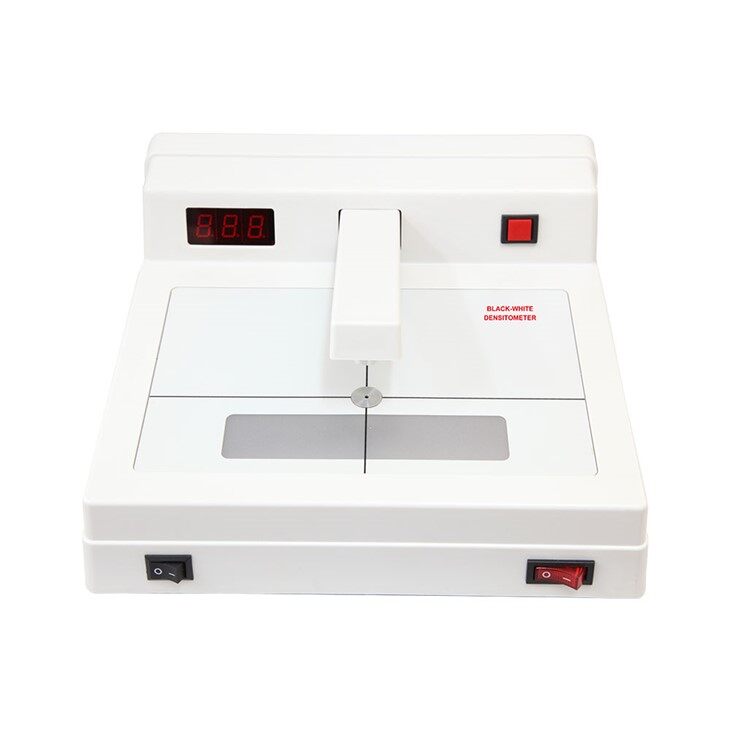
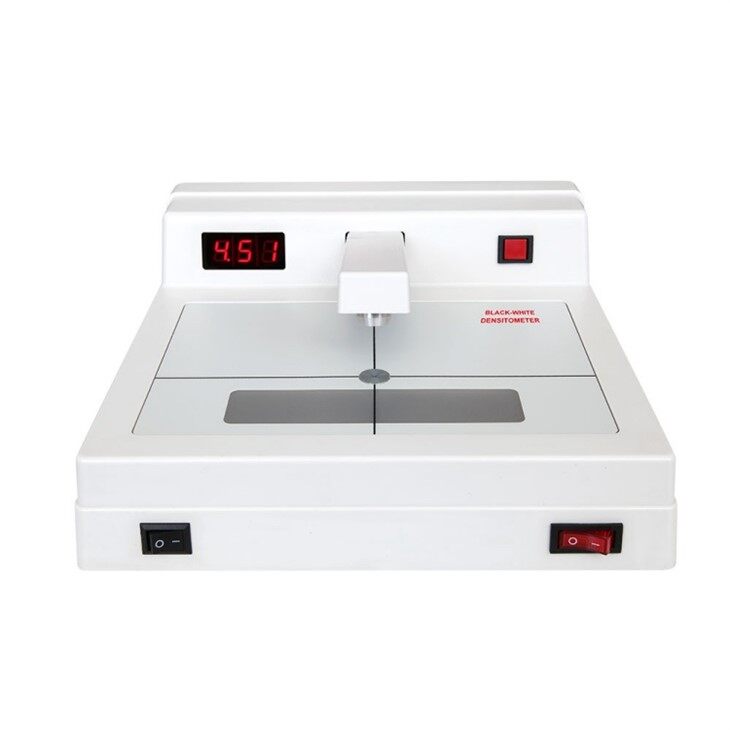
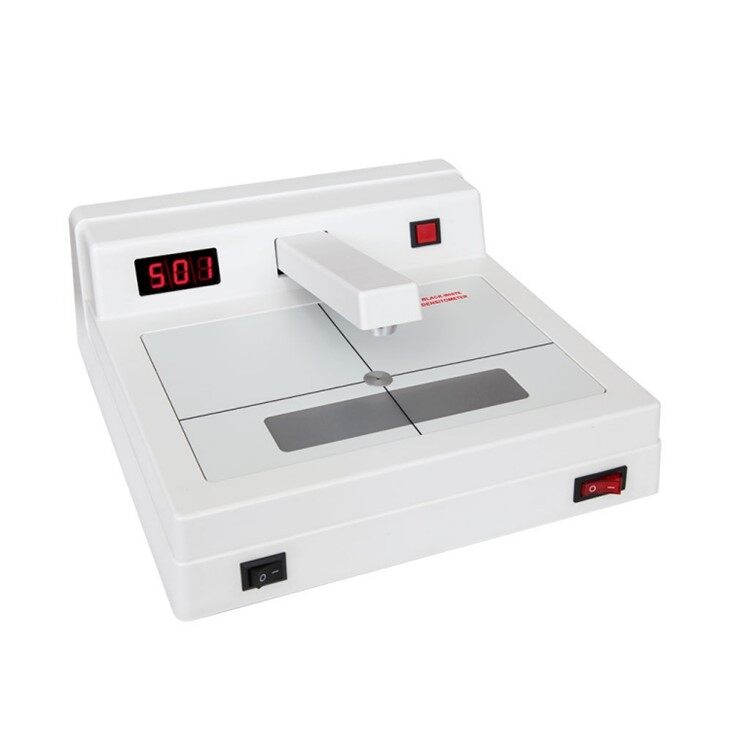
The YUSHI DM30 series black and white densitometer is a high-precision instrument designed specifically for measuring the black density of radiographic films and other materials. As an auxiliary equipment for radiographic testing, the black and white densitometer adopts advanced computer calibratio
n technology to ensure accurate readings, excellent stability, and strong anti-interference ability. With its user-friendly interface and sturdy structure, the DM30 series is widely used in industries such as non-destructive testing, printing, medical imaging, and sensitive material analysis.


Technical Highlights

Easy Calibration with Density Stablet
Standard configuration includes density tablet, users can verify the accuracy using the tablets.

Excellent Accuracy and stability
Adopt advanced technology,offer precise density measurements with minimal deviation,ensuring reliable results.

Detachable Light hole avoid dust
YUSHI densitometers are equipped with detachable light hole. Users can clean the hole to keep high accuracy results.

27 LED luminous bodies
Densitometers adopt 27 LED luminous bodies to ensure long service life, which are suitable for long-distance transportation.
Applications
1.Radiographic Inspection in Non-destructive Testing
2.Quality Control in Printing Industry
3.Medical Imaging and Radiography
4.Sensitive Material Analysis
5.Research and Education
Operation Process
★Power On & Preheating
Press the POWER on the lower right corner of the DM Densitometer.Then the screen shows:"-.--". Preheat the instrument for 5minutes.
★Zero Calibration
Press the measuring arm down without any density tablet or film. Then press the red Zero Setting button on the upper right corner of the device and see the screen display"0.00".
When using the standard density tablet, the calibration is necessary.
★Sample Observation
The tested samples can be observed after the LED light turned on a buttom left of the instrument.
Calibration Guidance

DM30 Series black and white densitometer supports users to calibrate the instruments by themselves. The software and program are included in the instruments and standard configurations.
Calibration Steps:
- Connect the Densitometer to the PC through the RS232 and USB connection.
- Open the calibrate software and select proper serial port.
- Delete existing data through sending the delete commands.The instrument will display"E.4" and "mm" after reboot.
- Input the standard density value from the density tablet into the software.
- The software will generate calibration curve
- Upon successful calibration ,"E.3" will be displayed.
Technical Parameters
| Density Range |
D=0.00-4.50(DM3010A) D=0.00-5.00(DM3011) |
| Repeatablity | ±0.2 |
| Measuring Error |
±0.2(0.0≤D≤0.2) ±1(2.0≤D≤4.0) ±0.05(4.0<D≤5.0) |
| Power | 50~60Hz,100V-120V or 200V-240V |
| Power Dissipation | 25W |
| Aperture Size | Dia.2mm |
| Display | Three Digital Display |
| Light Source | 27pcs LED |
| Sampling Time | 0.8s |
| Communication Port | RS232 Port or Optional USB Port |
| Working Environment | Temperture 0℃~40℃,Relative humidity≤85% |
| Dimension | 260x265x110 |
| Weight | 2.1kg |
Standard Configuration

- Black-White Densitometer ×1
- Step Density Tablet ×1
- Power Cable ×1
- Communication Cable ×1
- Calibration Software CD ×1
- Operation Manual ×1
- Quality Certificate ×1
- Warranty Card ×1
- Packing List ×1


